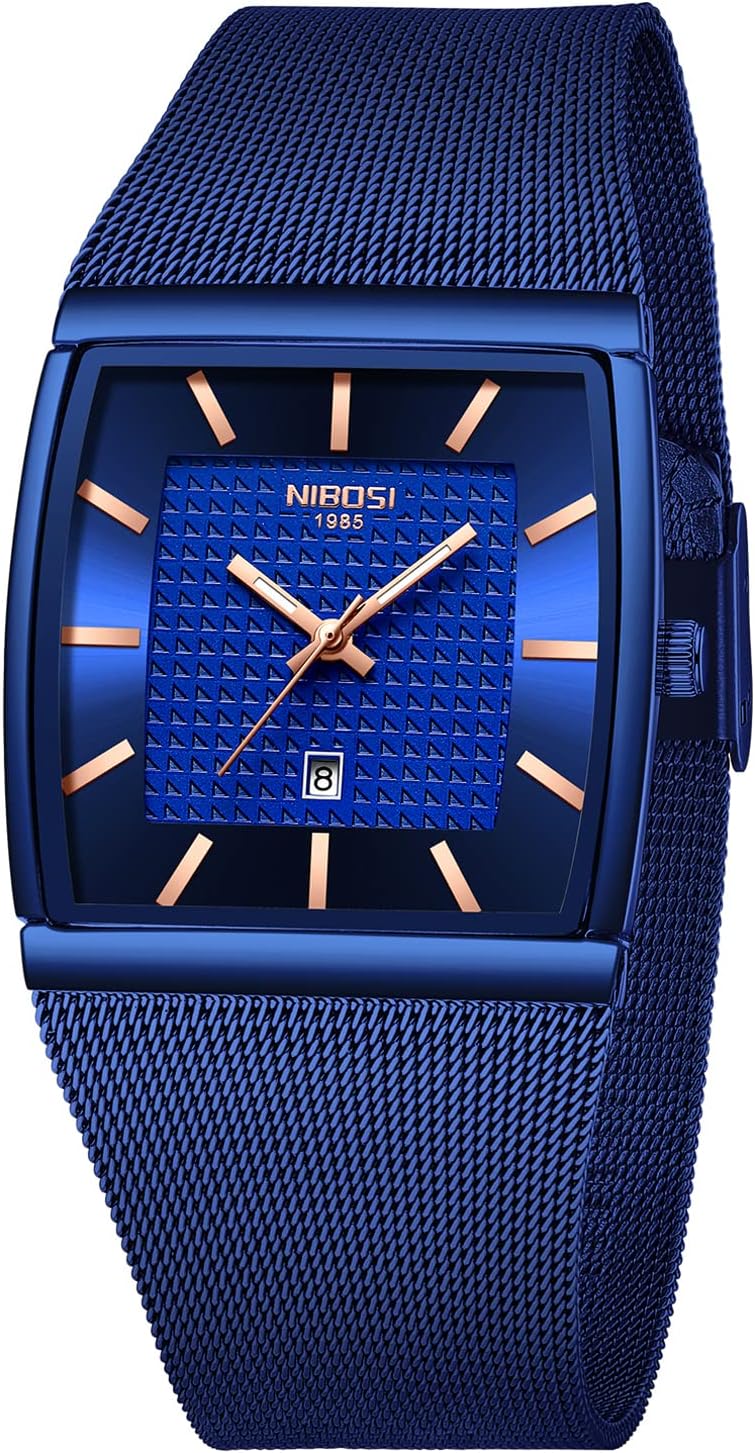

Quick Fix: Replace Our OLEVS Watch Battery
We’ll walk through an easy, safe battery swap for our OLEVS watch so it’s ticking again in under an hour. Crazy fact: a single button cell can power the watch for years, yet we can replace it in minutes today.
What We'll Need

Set Up a Calm, Organized Workspace
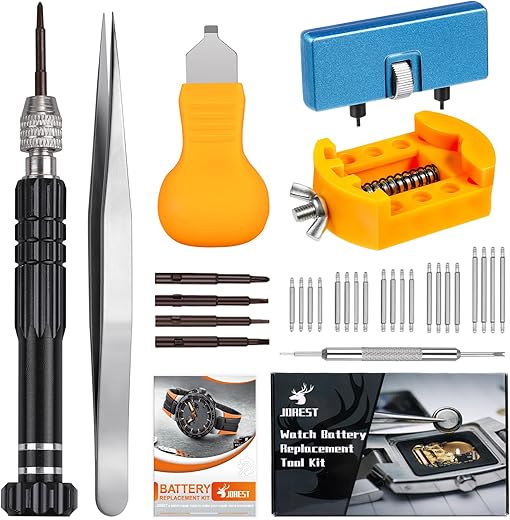
Can a clutter-free desk really save our watch? Absolutely — setup is half the job.Create a tidy, well-lit area on a table and spread a soft mat or clean towel to catch tiny parts. Lay out our tools in the order we’ll use them so we don’t fumble: case opener, small screwdrivers, plastic tweezers, magnifier, and the replacement battery.
Place small containers or an ice-cube tray nearby for screws and tiny clips so nothing rolls away. Turn off strong magnets, speakers, or phones that might disturb the battery or tiny metal pieces. Use a bright lamp and a loupe or magnifying glass to spot seals and delicate clips — we’ll avoid mistakes and save time.
Tools to have within reach:
Open the Case Carefully
Not all OLEVS backs are the same — one wrong twist and we’ll regret it.Identify the case type first: look for notches, slots, or screws around the back plate.
Use visual cues—slots around the rim = screw-back, small notch = snap-back, four visible screws = 4-screw—to choose your approach.
Use the correct driver and steady downward pressure for screw-backs; turn slowly counter-clockwise to avoid stripping.
Apply a thin case knife at the notch for snap-backs and pry gently upward in one spot—don’t rock or force it.
Turn a precision screwdriver slowly for 4-screw backs and remove screws into a labeled container.
Keep any gaskets or rubber seals safe and separate.
Note the orientation of the case back and movement so we can reseal exactly as found (for example, align a notch or logo the same way).
Remove the Old Battery Without Damage
Out with the old — but don’t yank it like a Band‑Aid; subtlety wins.Locate the battery type stamped on the cell and photograph its orientation from two angles.
Photograph details like stamp, +/− side, and clip position so we can reinstall exactly.
Use plastic tweezers or a non-metal prying tool to lift retaining clips or gently unhook springs.
Lift the cell slowly at the edge—don’t twist or lever against delicate gears.
Avoid touching movement parts and PCB contacts with bare hands to prevent oils and static damage; wear nitrile gloves if available.
Place removed parts (battery, clips, screws, gasket) in labeled containers so nothing gets mixed up.
Install the New Battery Correctly
A tiny cell, a big difference — let's place it like pros.Confirm the replacement battery matches the photographed model and polarity (e.g., SR626SW / 377) before touching anything.
Use plastic or insulated tweezers to pick up the cell and seat it gently in the cradle, aligning the + and − sides exactly as the original.
Wipe contact points with a cotton swab lightly dampened with isopropyl alcohol if they look tarnished or oily; allow a few seconds to dry.
Seat the cell so it lies flat—do not force it under a clip. Re-secure retaining clips or springs gently, matching their original orientation.
Check these quick items:
Test the movement briefly by nudging the crown or observing the second hand before closing the case.
Reassemble and Reseal the Watch
We won’t be responsible for future water damage — so let’s seal it right.Clean the caseback lip with a dry lint‑free cloth or cotton swab to remove dirt and old grease. Inspect the gasket for nicks or flattening; if you spot a hairline tear, replace it — if reusable, we apply a thin film of silicone grease to preserve water resistance.
Align the gasket and seat the back carefully. Press snap-backs evenly around the edge; use a case press for even force or steady thumb pressure as an example. Tighten screw-down backs in a star pattern to avoid warping, starting light and increasing torque gradually.
Verify crown and pushers operate smoothly.
Test Functionality and Final Checks
If it's not ticking, there's always a reason — let's troubleshoot together.Set the time and observe the watch for several minutes to confirm a consistent tick and smooth hand movement. For example, we set the time to 2:10 and watch the second hand for 2–5 minutes to ensure it advances evenly.
For water resistance, we recommend a professional pressure test if our watch sees water regularly — home checks aren’t reliable.
All Set — Enjoy the Ticking!
We’ve replaced our OLEVS battery, tested the watch, and confirmed proper function; if anything seems off we’ll consult a professional. Great job — let’s try this on our other watches, share results, and encourage others to give it a go.